
01
Begin with intent
Describe the product, audience, and workflow before committing to a stack or a pile of tickets.
AI app builder

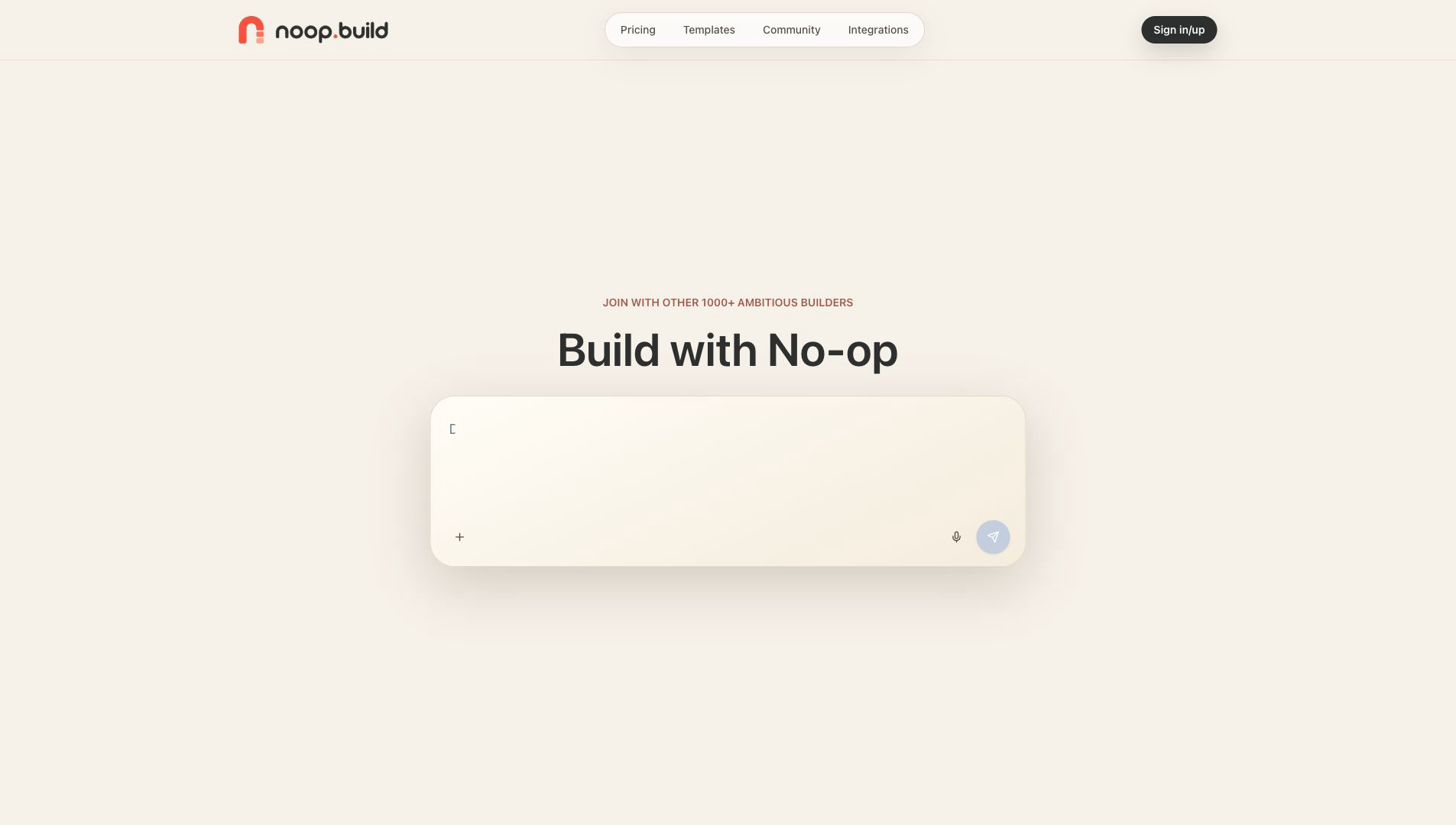
Noop turns product intent into a working first version, giving builders real screens, flows, and implementation choices to review instead of another blank brief.
Inside Noop
Move between the builder and concrete product directions through official Noop product surfaces.
Slide 1 of 4: Start with the product you want to make
01 / 04
The builder turns an open-ended idea into a concrete product conversation.
Use left and right arrow keys while this carousel is focused.
Why it matters
A working first version is a better place to think. It gives the team one artifact to question, edit, and improve.
01
Describe the product, audience, and workflow before committing to a stack or a pile of tickets.
02
Use screens, navigation, forms, and states to expose the choices hidden inside the original idea.
03
Narrow scope and clarify data, backend, and interaction needs from something everyone can see.
Working loop
Noop keeps early product work grounded in a visible result. The first version is a starting point for better questions, not a final reveal.
Set the users, workflow, and outcome that matter most.
Walk the interface and identify missing states, unclear logic, and unnecessary scope.
Turn concrete observations into a tighter product and implementation path.
Community notes
Use arrow keys to browse
Endorsement 1 of 4 from AuroRate

“Noop turned loose product intent into a screen I could react to. Seeing the flow early made scope, data, and backend questions much easier to decide.”
Next step
Open the source, inspect how Noop is built, and follow the product as it develops in public.