
“Agentic React replaces 'that thing on the page' with an exact component, selector, and source location. My coding agent starts from evidence instead of guessing.”

Select real UI in the browser and capture component names, selectors, source locations, snippets, owner traces, and local MCP tools, so agents edit the right code without guessing.
The browser runtime reads the live React tree; bundler adapters add source lookup and MCP.
Choose the package that matches the application bundler.
Use the in-browser overlay to capture the components you mean, then confirm the pending selection.
Send exact source-aware context through copy, JSON, or the local MCP bridge.
The toolkit overlays real applications, traces selected components, and packages that context for an agent. Every frame comes from the official playground.
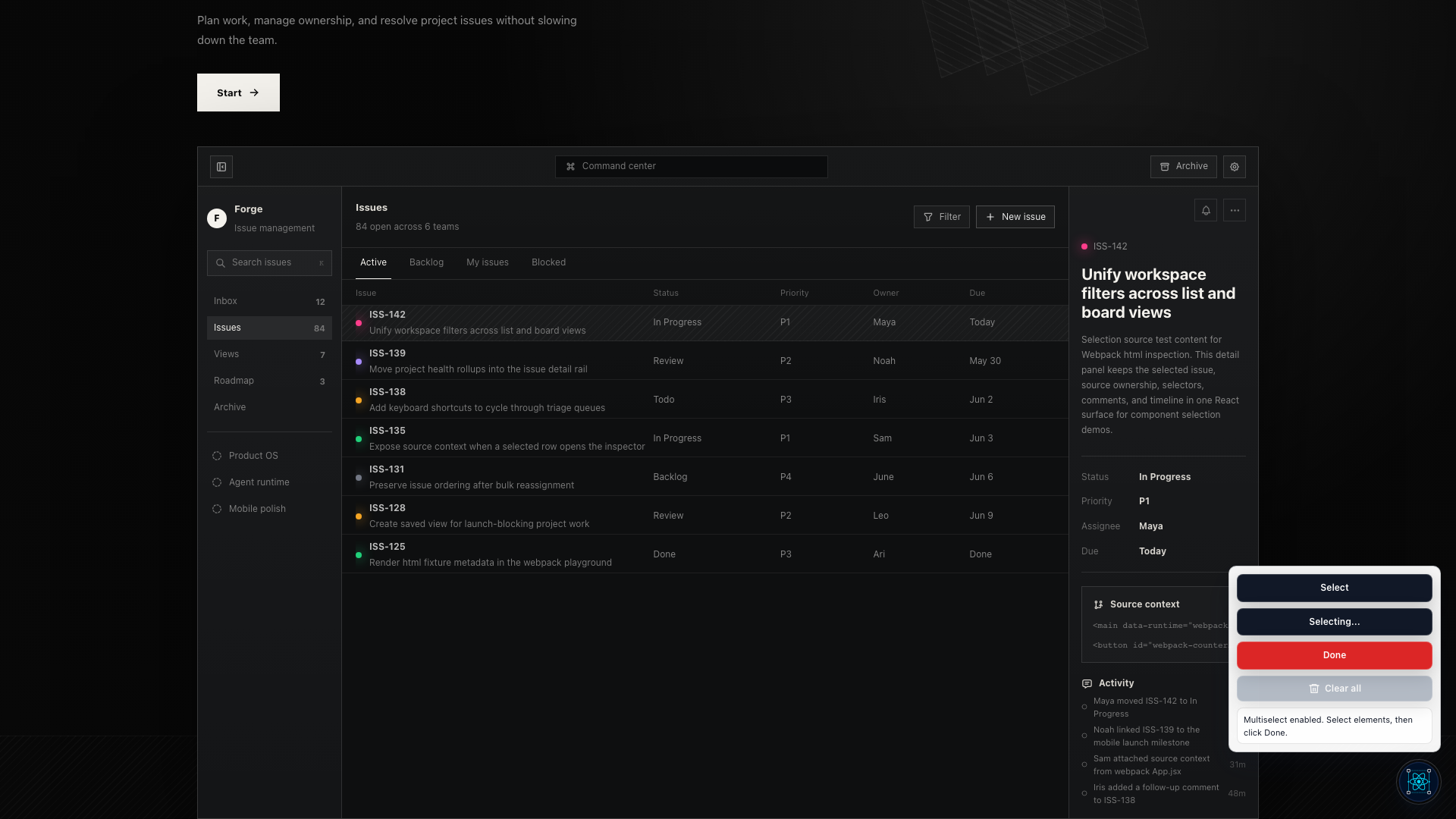
Agentic React turns visual intent into source-aware evidence an agent can act on without searching the whole application by description.
Select one or many elements in the running application, then confirm the pending set with Done.
Collect component names, stable selectors, source locations, nearby code, and owner traces.
Copy structured text or JSON, or expose the selection through a local MCP endpoint.
Each adapter includes the core browser runtime and adds its local development bridge.
pnpm install @agentic-react/vite -Dpnpm install @agentic-react/webpack -Dpnpm install @agentic-react/next -DEndorsement 1 of 4 from chukeng
“Agentic React replaces 'that thing on the page' with an exact component, selector, and source location. My coding agent starts from evidence instead of guessing.”
Adapters keep local source lookup and MCP transport in development tooling.
Install the adapter for your stack and hand the next UI edit exact React context.